Step 2 of 6 · Rules
Filter out the junk
Rules decide which leads are worth selling. Duplicates, fake details and blocked sources are rejected before any buyer sees them.
What you can do
Rules, in plain words.
- Reject duplicates, missing consent and fake details
- Block bad sources and set the hours buyers can be contacted
- Run a rule in watch-only mode first, then switch it on
- Agreed to be contactedPass
- Not a duplicatePass
- Source is not blockedPass
- Inside contact hoursPass
In detail
What are lead rules?
A rule is a yes-or-no check on a lead. If the lead passes, it can be sold. If it fails, it is rejected before any buyer sees it or pays for it.
Bad leads cost you twice: you pay the publisher for them, and the buyer sends them back. Catching them first protects your margin and your buyers' trust.
- 1
Pick what to check
Duplicates, consent, fake details, blocked sources and contact hours.
- 2
Watch first
Run the rule in watch-only mode. It records what it would have rejected, and blocks nothing.
- 3
Switch it on
When you trust the results, turn the rule on.
- 4
Review the sources
See which publishers send the most junk, with a quality grade for each source.
Inside the product
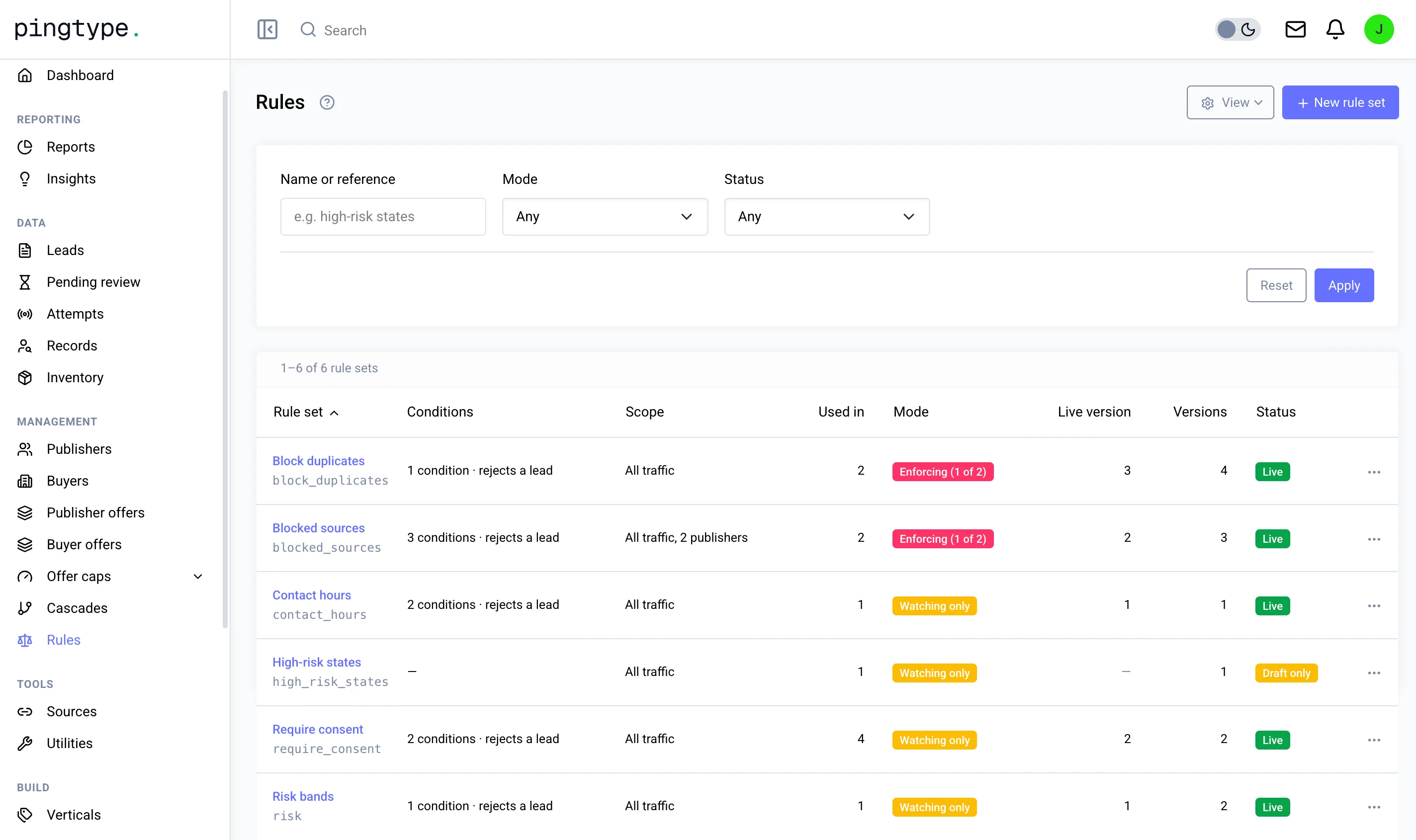
This is the Rules screen.
You decide
What you control in Rules.
- Which checks run on every lead
- Which sources are blocked
- The hours buyers can be contacted
- Whether consent is required
- Whether a rule is watching or enforcing
Questions
What happens to a rejected lead?
It is not offered to any buyer, so nobody pays for it. Because rejected leads are never sold, they never come back as returns.
What is watch-only mode?
A rule in watch-only mode records what it would have rejected without blocking anything. Use it to test a new rule on real traffic before it affects your revenue.
How do I find the publishers sending bad leads?
Every source gets a quality grade, so the weak ones stand out.
Works with
Rules is one step of six.
The other five steps